Make the world you keep imagining.
Start with a game, scene or world you can already play. Change what happens there, or bring an idea of your own. Antelier handles the code on your PC; you decide what to make.
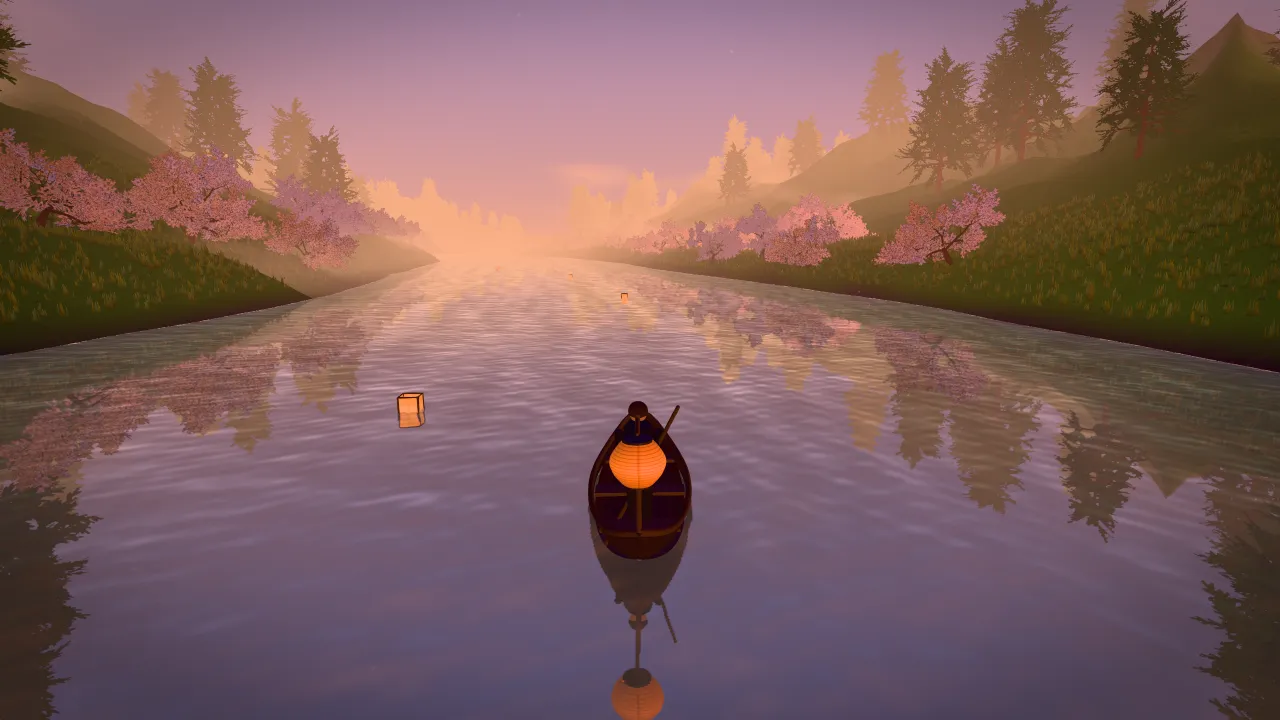 Before · the River boat starter
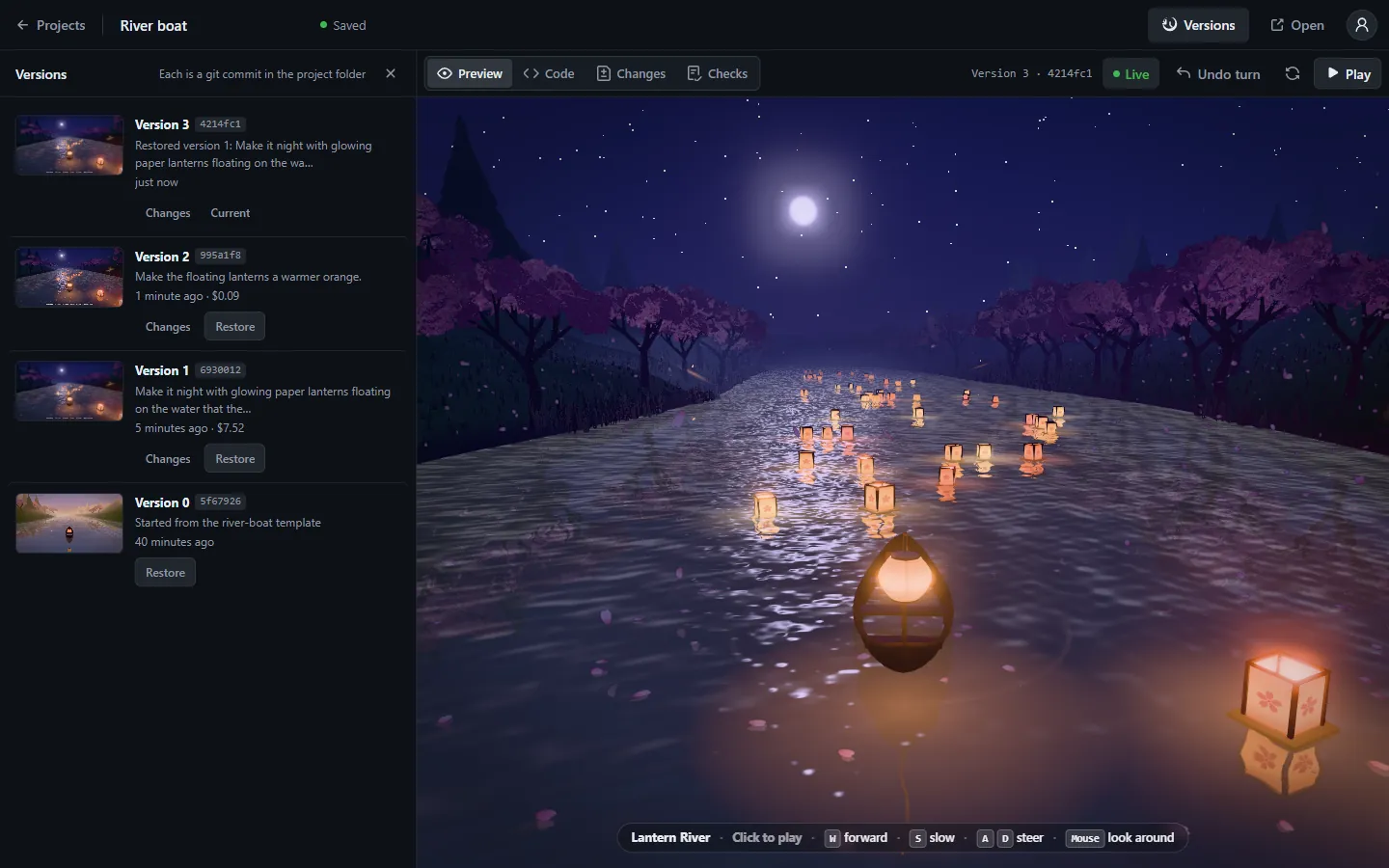
Make it night with glowing paper lanterns floating on the water that the boat can bump into, cherry petals falling from the trees, and ripples behind the boat as it moves.
Play first
Try one before you make one.
These starters run right here, in your browser, exactly as they open in Antelier. Steer the boat, drift around the lake, race three laps. Then decide what yours has that they don’t.
- PlayRiver boatRow down a valley at dusk while the lanterns light up.
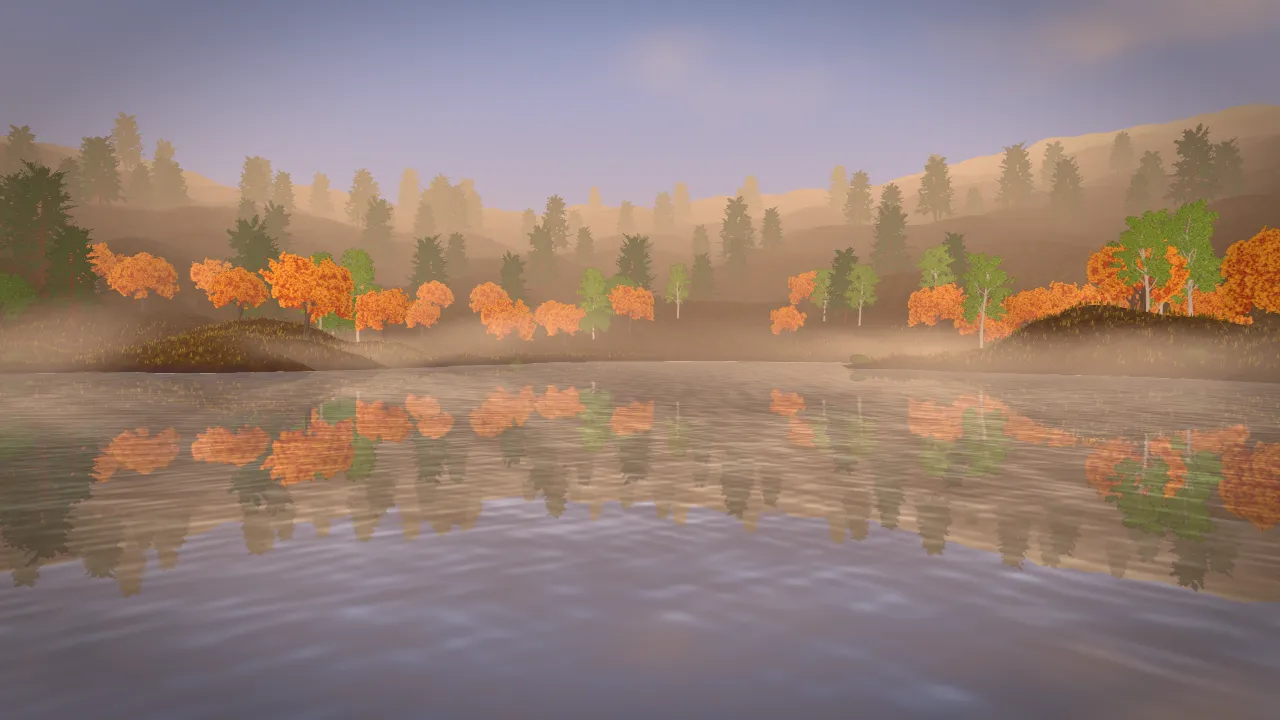 Look aroundAutumn lakeA scene, not a game: maples, mist and a jetty at golden hour.
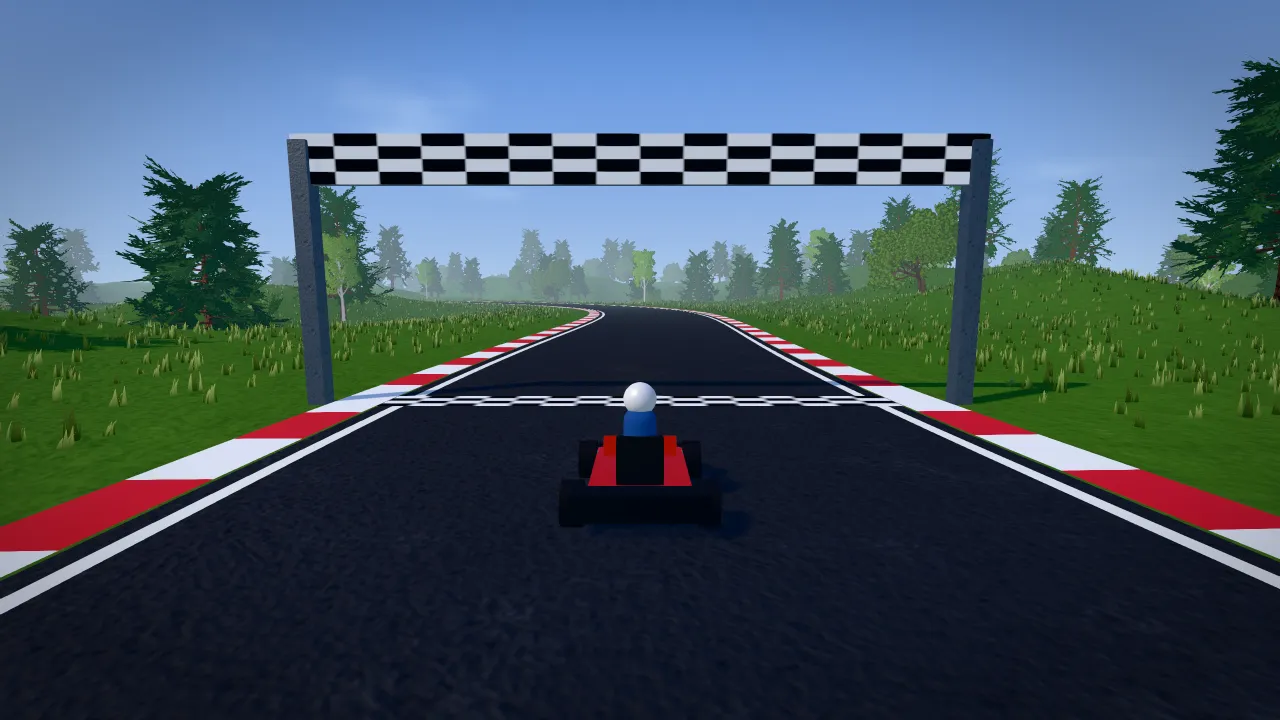 PlayRacingThree laps, drift on Space, beat your best lap.
Desktop browser with a keyboard and mouse. Phone controls aren’t built yet.
Where yours begins
Pick a beginning. Then change the part you want.
Each starter is a real project with its world, camera and controls already working. Try a suggested change, or take it somewhere else. Your idea doesn’t have to fit this list.
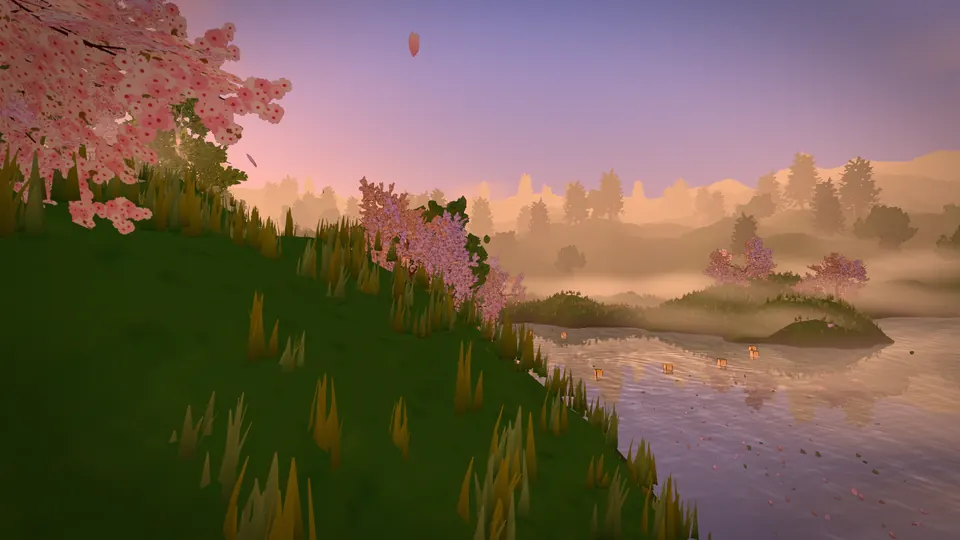
World to walk
First-person explorer
“Turn it into autumn: red and orange maples with leaves drifting down onto the pond.”
Start from this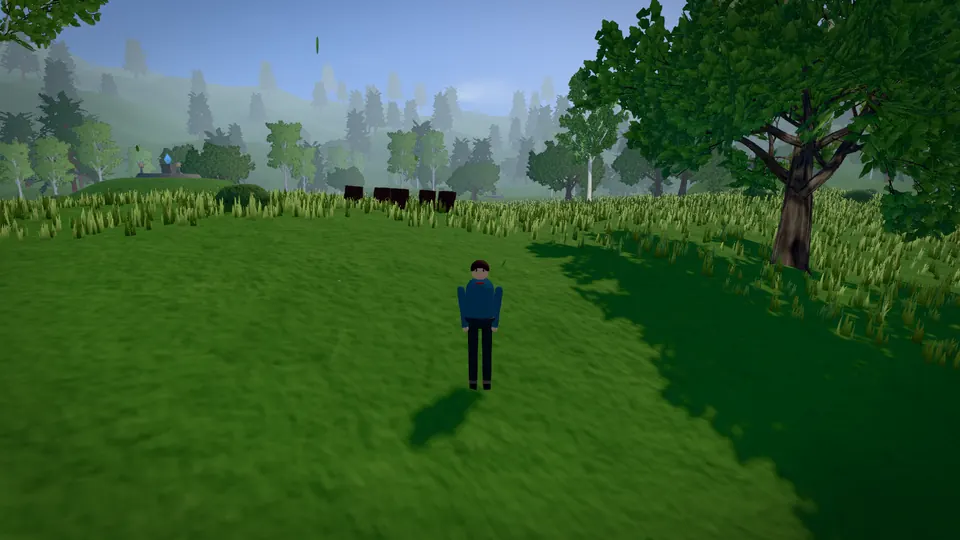
Adventure
Shrine valley
“Add a rope bridge over a gorge on the way to the last shrine.”
Start from this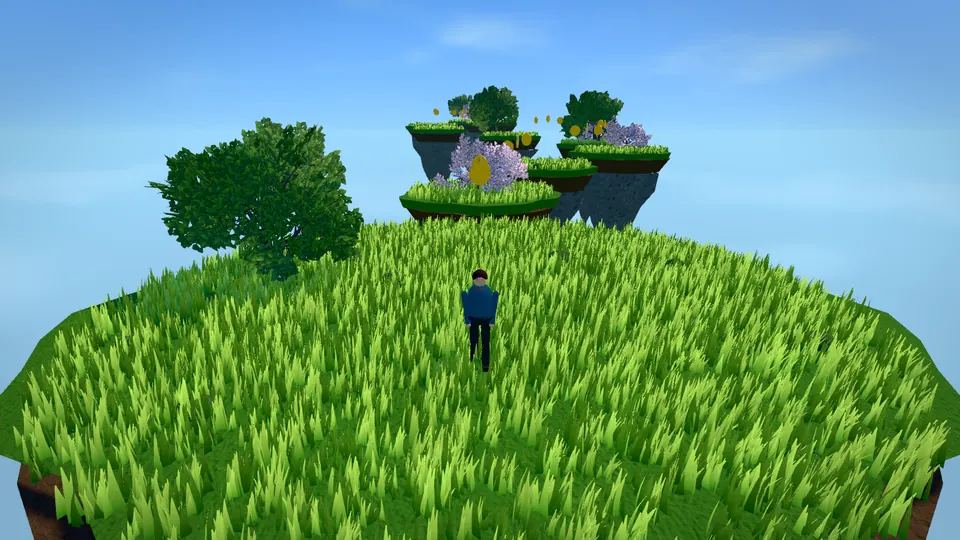
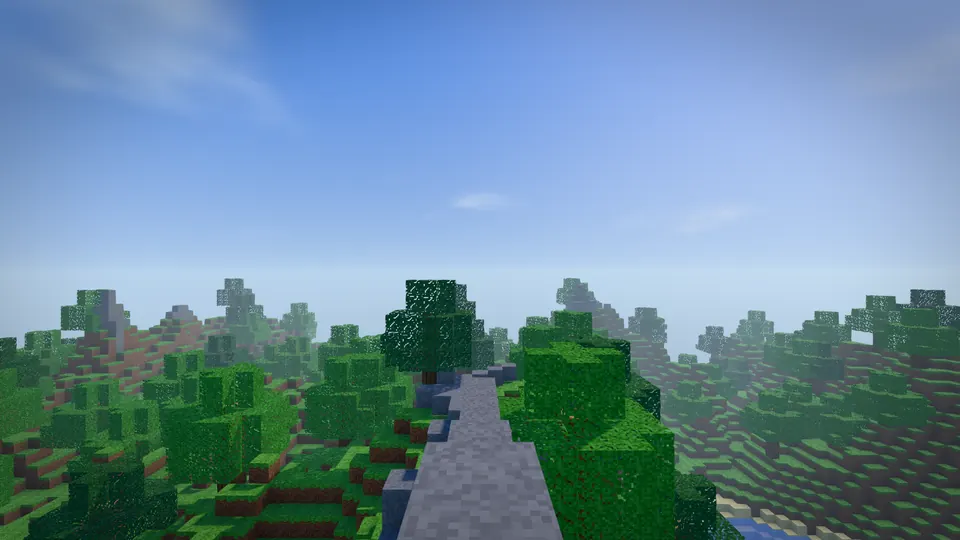
Sandbox
Voxel sandbox
“Add sheep that wander around and drop wool blocks when I hit them.”
Start from this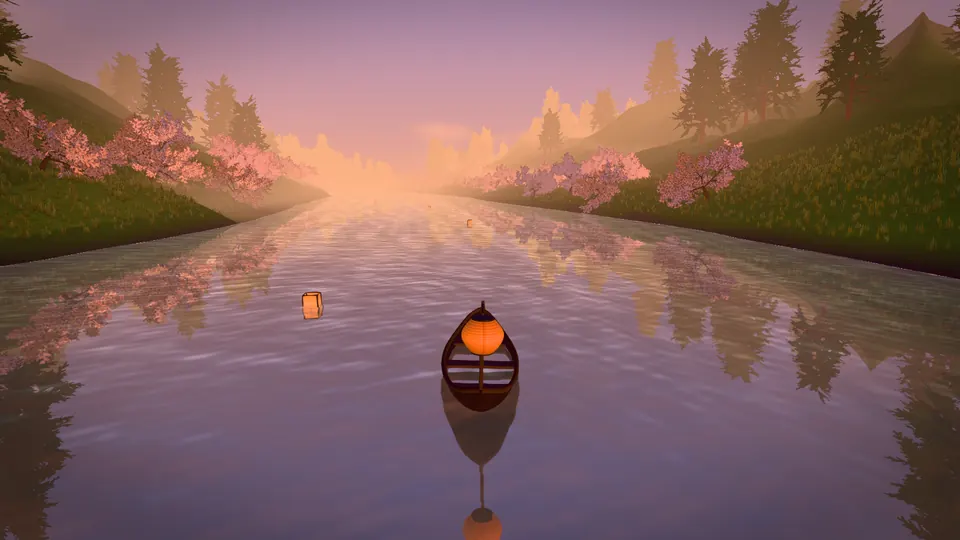
Journey
River boat
“Add a red arched bridge over the river and a pagoda on the hill above it.”
Start from this Play it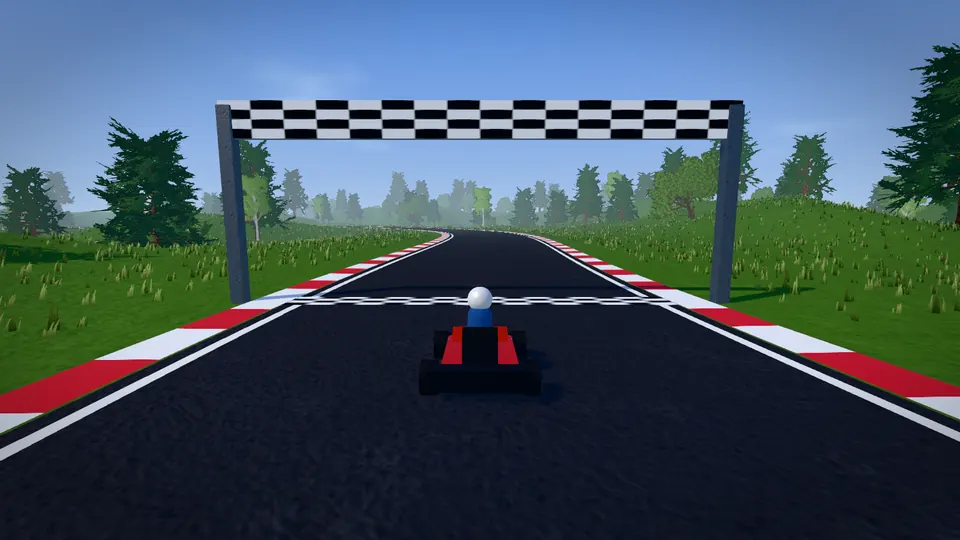
Racing
Country circuit
“Add three computer karts that race me around the circuit.”
Start from this Play it
Also in the app, ready to start from:
Or start from the thing you’ve been picturing.
Write it the way you’d tell a friend. It comes with you through sign-in and waits on your download page, so you can paste it into Antelier as your first message.
Your idea stays in your browser; it isn’t sent to us. Nothing is built until you start it in the app.
Then let people in
Send a link. Your friends are in your world.
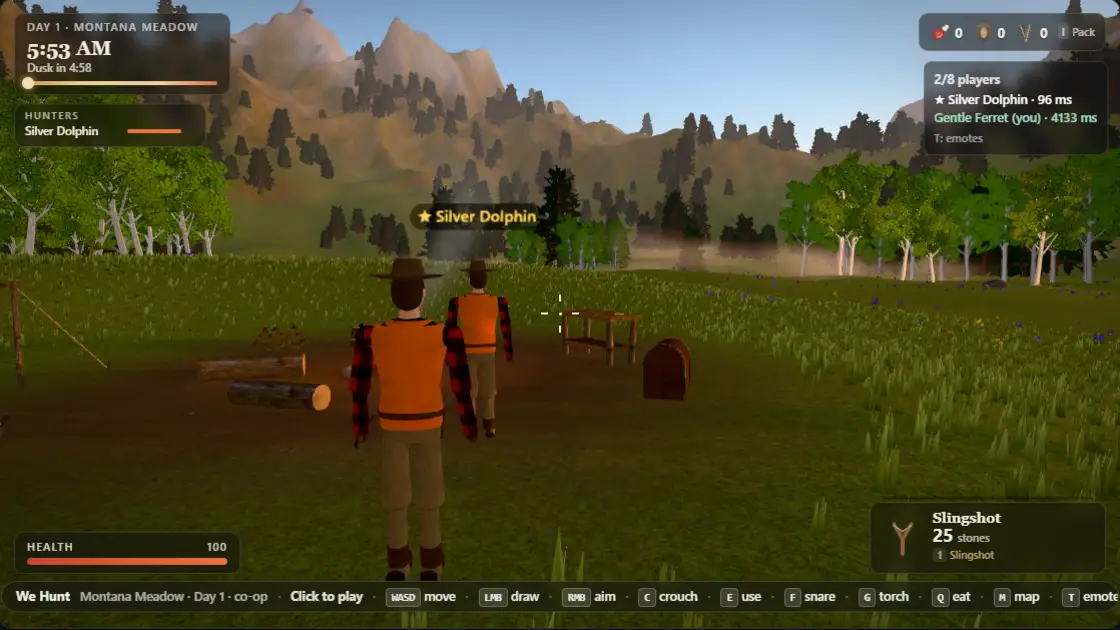
Publish a world and anyone can play it from its page. Make it multiplayer and choose Play with friends: up to 8 people join the same room from the invite link, with no account and no download.
Players need a desktop browser on Windows or Mac, with a keyboard and mouse. Phone controls aren’t built yet.
How a change happens
You say it. You play it. You decide what stays.
Antelier runs your own Claude Code on your PC. It works in a real project folder, looks at the running world, plays it and fixes what it sees before it hands it back.

A new project from the River boat starter, ready for its first request.


- It’s a real project, and it’s yours
- Each world is an ordinary folder on your PC with its own git history. Open it in any editor, or keep it to yourself forever.
- Go back to a saved version
- Undo a turn, or restore an earlier version. Restoring adds a new version to your project’s history.
- You see what it costs
- The meter shows each turn’s Claude Code usage. If you use an API key or cloud account, confirm that once before your first turn.
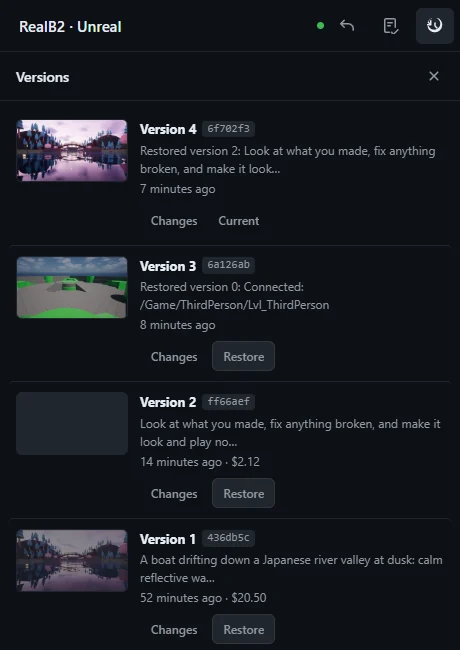
Already building in Unreal?
Bring the same chat into your level.
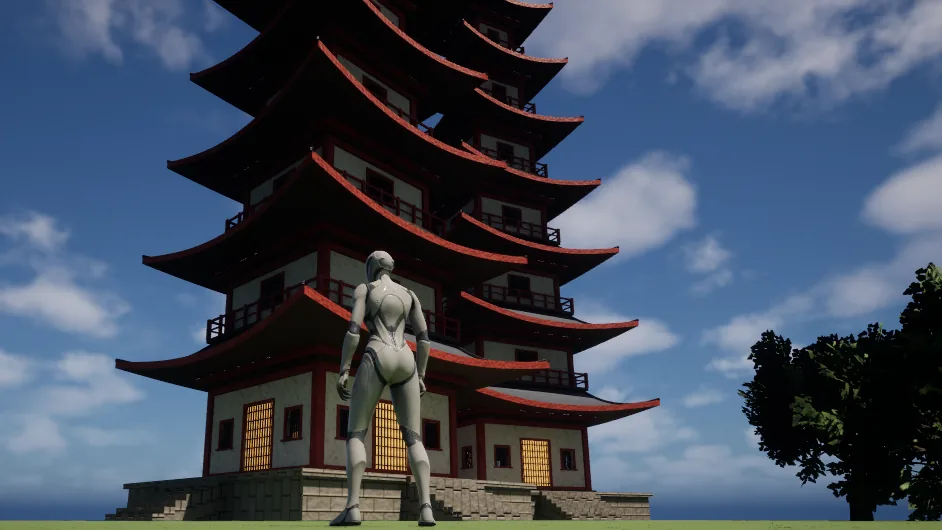
The Windows app includes a plugin for Unreal Engine 5.8. Ask in the dock and the agent changes your open level live, plays it and saves the turn. Undo turn puts the level files back as they were.
- Every turn is a version with its request, time and cost, and any version can be restored.
- Behavior recipes with a check for each: a steerable boat, a cart, pickups, damage, doors, patrol and follow.
- Custom landmarks built as real meshes, like this pagoda, and realistic trees by default.
Not yet: wind and foliage lighting are in progress, and no outside creators have used the plugin yet.
Set up the Unreal pluginStart
Your first world is about three steps away.
- Sign in with Google. Your account is ready at once and you land on your Windows download. An idea you wrote above comes with you.
- Open Antelier on your PC. Extract the zip and open Antelier.exe. It uses Claude Code, installed and signed in: a Claude plan, an API key or a cloud account.
- Make your first change. Choose a starter or paste your idea, then press Play and keep going.
Free during early access; building counts against your own Claude usage. You need a Windows PC, and Unreal Engine 5.8 only for the plugin. Open to adults 18 and over in the United States. See the setup steps.
You confirm your age and the Terms on the next page.
Notes from our own testing
What we’ve measured, and what we haven’t.
Recorded by us, on our machines. No outside creators have been measured yet.
The Lantern River turn
- 34 min build
- 78 agent steps
- 12 files changed
- 5 of 5 checks passed
- $7.52 of Claude usage
One turn on the River boat starter, September 24, 2026. Dollars are API-equivalent usage of a Claude plan. A later Quick follow-up changed one file for $0.09, and the five checks still passed.
Against Claude Code on its own
An earlier platformer brief: three AI judges, shown screenshots without knowing which was which, scored Antelier’s latest build 7.5 to Claude Code’s 6.2, and 8.0 to 6.5 after one identical follow-up. An earlier Antelier build scored 6.5 and 7.0. One brief, one Claude Code run.
A co-op hunting game, October 3: three AI judges scored both games 5.7 out of 10. A tie.
AI judges, single briefs. Neither result shows what people prefer or that one approach wins in general.
Questions
Straight answers before you start.
Cost, hardware, ownership, and what can go wrong. Something else? Email hello@antelier.co.
What does it cost?
Antelier is free during early access, and we collect no payment details. Building requires your own Claude Code access through a Claude subscription or an API or cloud billing account. Usage counts against that account. The builder shows each turn’s usage live, in API-equivalent dollars. Each turn has a runaway backstop: $25 in Best mode, $2 in Quick mode. If Claude Code is signed in with an API key or cloud account rather than a plan, Antelier asks you to confirm that once before the first turn.
What do I need?
A Windows PC and Claude Code, installed with its native Windows installer and signed in (a Claude plan, an API key, or a cloud account such as Bedrock or Vertex). Antelier runs on your PC and opens its builder in your desktop browser. For the plugin, Unreal Engine 5.8 (tested on 5.8.2), installed separately. See the setup steps.
Can I try it without signing up?
Yes. Play a starter in a desktop browser: River boat, Autumn lake or Racing, exactly as they open in Antelier. Making your own version needs the Windows app.
Does it work on a Mac or Linux?
Creating needs a Windows PC during early access. Playing works in a desktop browser on Windows or Mac: Chrome gives the smoothest graphics; Safari works and loads a little slower.
Do my friends need anything to play?
A desktop browser on Windows or Mac (Chrome plays smoothest) and your world’s link, or your room’s invite link for multiplayer. No account, no download. Up to 8 players can share a room. It plays with keyboard and mouse; phone controls aren’t built yet.
Is it only for games?
No. Scenes you look around, worlds you explore, games with rules and small interactive experiments all work. Say which one you want; a scene doesn’t need a score counter.
Do I own what I make?
Yes. You own your content to the extent it can be owned (see the Terms). Each web project is an ordinary folder on your PC with its own git history, and Unreal projects stay ordinary Unreal files.
Will everything work on the first try?
No. AI can produce incomplete or broken behavior. Checks catch regressions only in the behavior they test. You can stop a turn, undo it or restore any earlier version. Start with a small first change and expect to experiment.
Who can join?
Adults aged 18 or older in the United States. Antelier is not offered in the European Union, the European Economic Area, the United Kingdom or Switzerland.
How does the Unreal plugin work?
The Windows app includes an Unreal connector. In Unreal, choose Tools, then Open Antelier: the dock is the same chat as the browser builder. The agent changes your level as it works, plays and checks what it built, and saves each turn as a version you can undo. Unity and Roblox connectors are not available. See the Unreal setup steps.
What happens to my email and idea?
An idea you type before Google sign-in travels in the part of the link after “#”, which browsers never send to a server. It is kept in your browser for 7 days so your account page can show it, until you clear it. If you request an access link by email, we store your email, optional idea, optional answer about how you heard of us, consent and access status to run early access. We don’t sell the list or add it to advertising audiences. Trial data is hosted on Cloudflare. Resend processes email addresses and essential access messages to deliver access links. Replies to hello@antelier.co are forwarded to our support inbox. Delivery records may remain after a list entry is removed so we can investigate delivery failures and honor email suppression. We count page views, referring websites and campaign tags in daily totals without cookies or identifiers. Optional usage measurement stays off until you allow it. We do not record your screen or use advertising pixels. See our privacy notice and storage notice. Signup attempts are rate-limited using a daily hash of your network address.
Use “Remove my signup” after joining from this browser, or decline from your access link, to remove your list entry. You can also email hello@antelier.co for help or removal. Workspace recovery uses a private recovery file, not email/password reset. Deleting a list entry does not delete a workspace or its projects.